
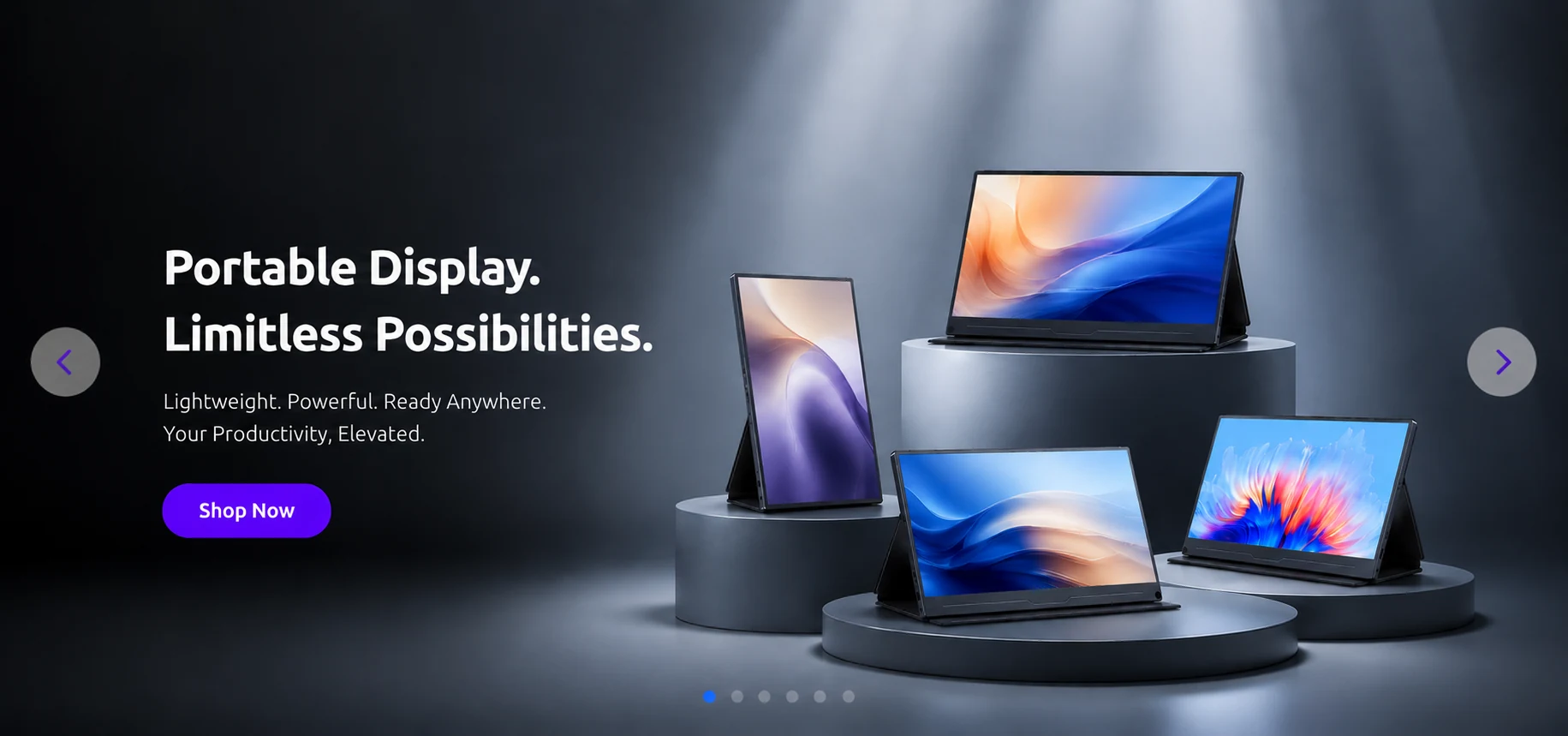
Local editorial fixture. This long-form article demonstrates the Viewix blog reading layout and responsive typography. Product claims, prices and availability must be replaced with approved editorial data before publication.
10 Best Portable Monitors for Macs
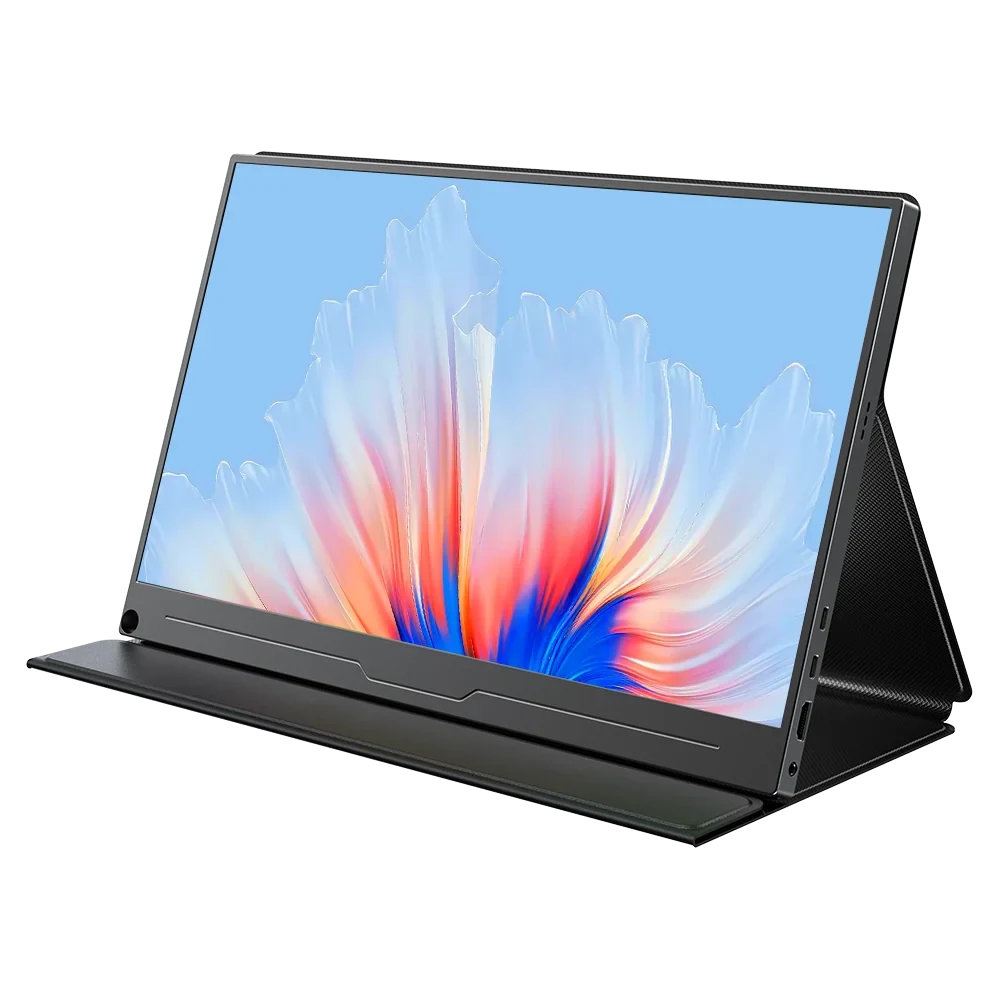
Why a portable display belongs in a flexible setup
A second screen can make a compact workspace easier to arrange. Start with the devices and connections you already own, then choose a display size that remains comfortable to carry.
- Check USB-C, HDMI and power requirements before ordering.
- Prefer a stable stand and a comfortable viewing height.
- Keep the reading width narrow enough for long sessions.
What to compare
Compare panel size, resolution, refresh rate, brightness, weight and included cables. These values should come from the authoritative product record rather than being hardcoded in the article.
Setup checklist
- Place the main screen at eye level.
- Route power and video cables separately.
- Test the layout at desktop and mobile widths.
Use this fixture as a visual and content example only. Replace it with reviewed Viewix editorial content when the publishing workflow is approved.